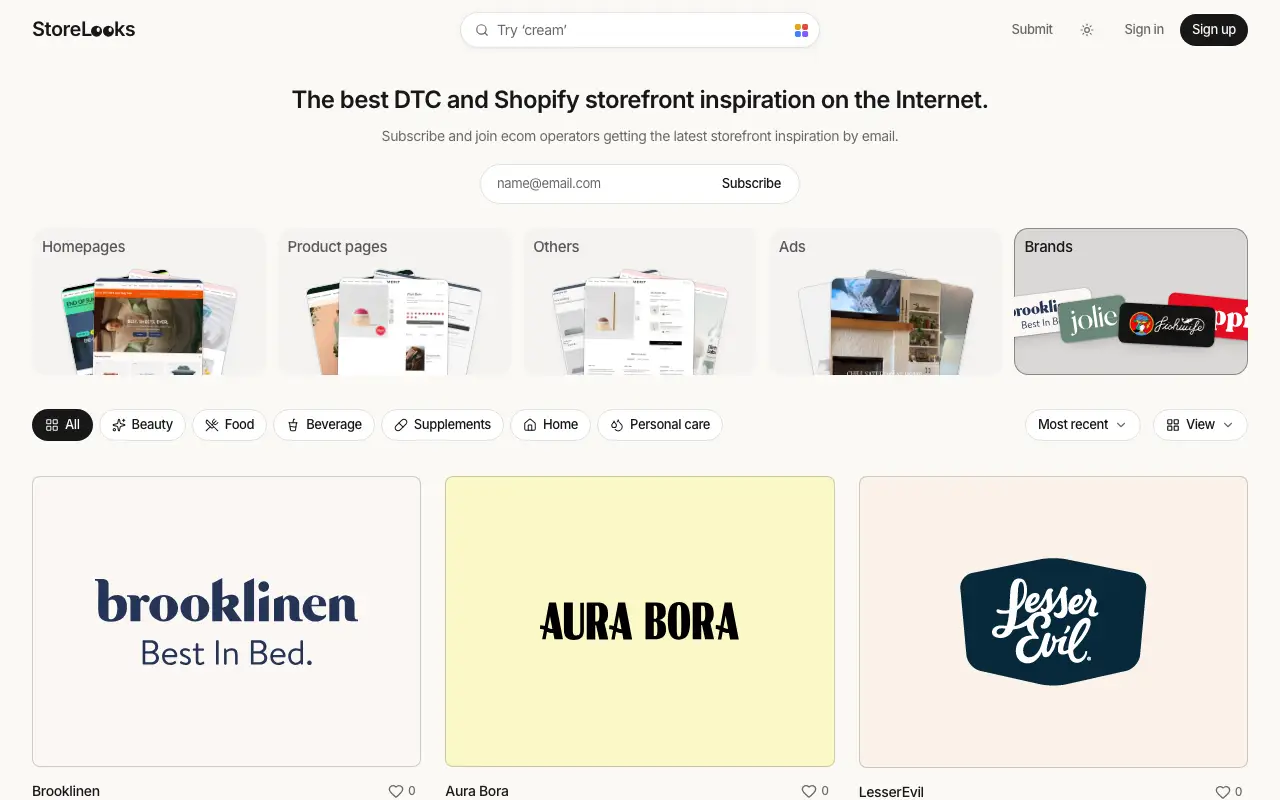
A canvas built from real DTC storefronts.
Every homepage, product page and ad on StoreLooks drops onto the board in one click. Crop to the section you want, add your own screenshots and notes: a moodboard without the screenshotting. Free with an account.
Click an image to place it on the canvas.
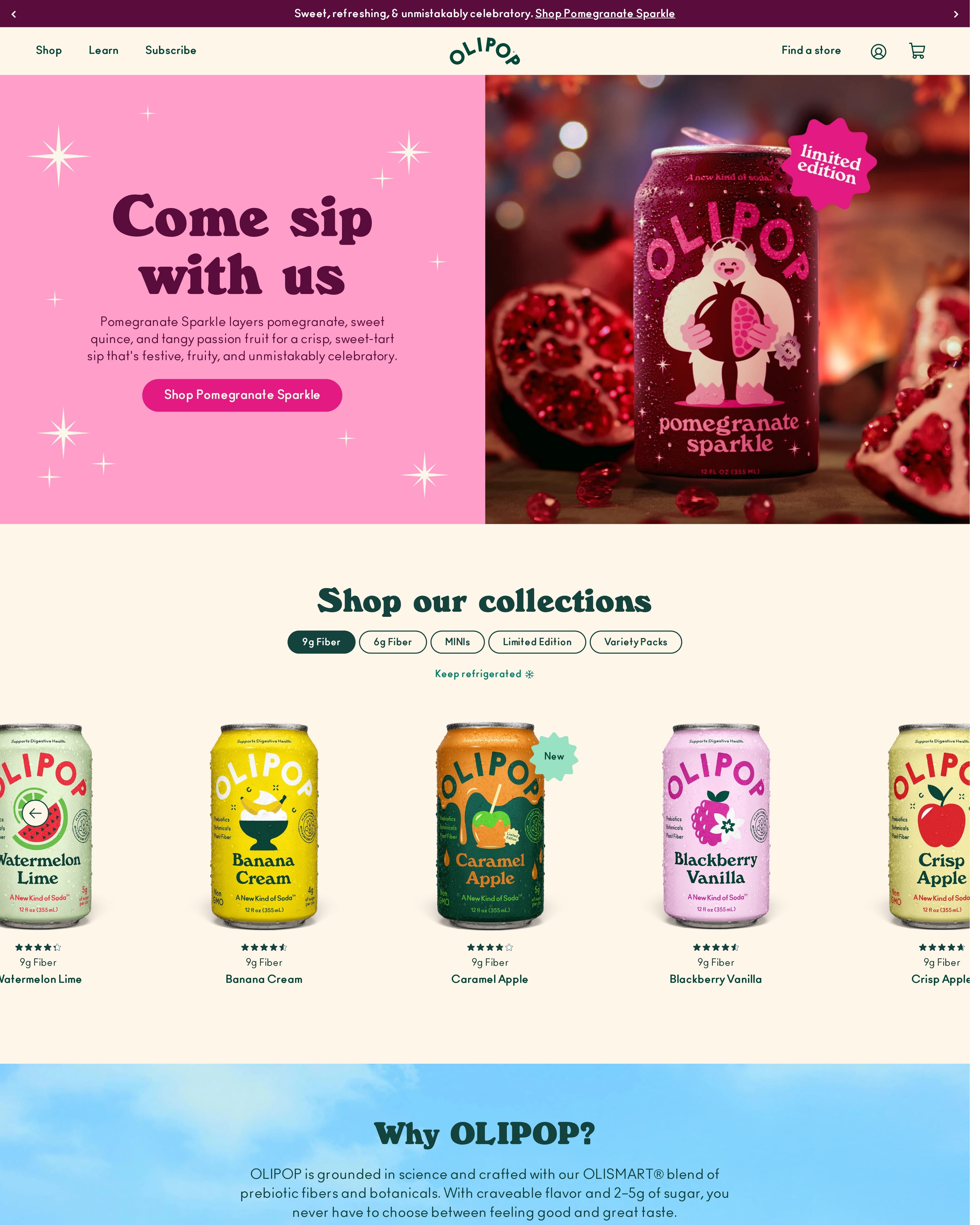

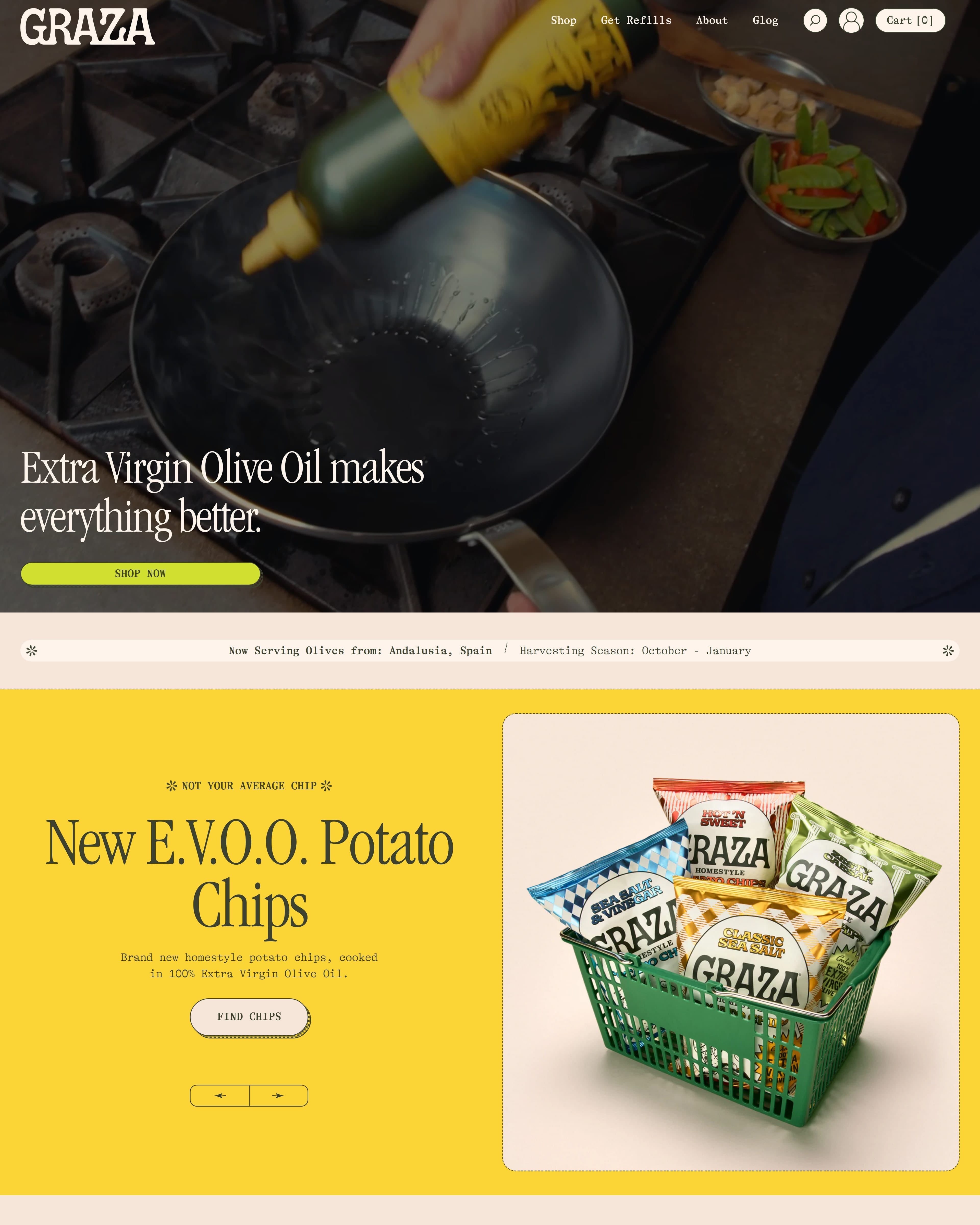
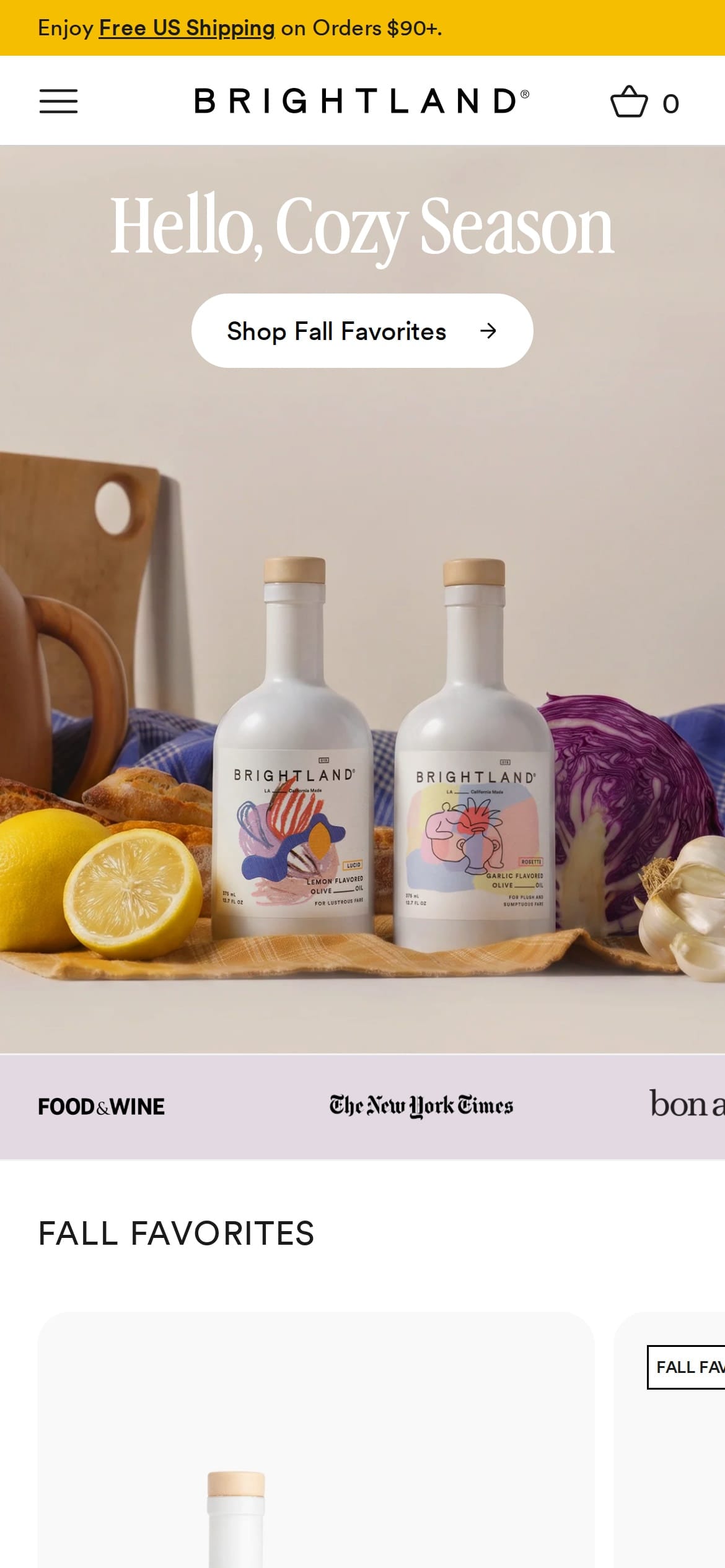
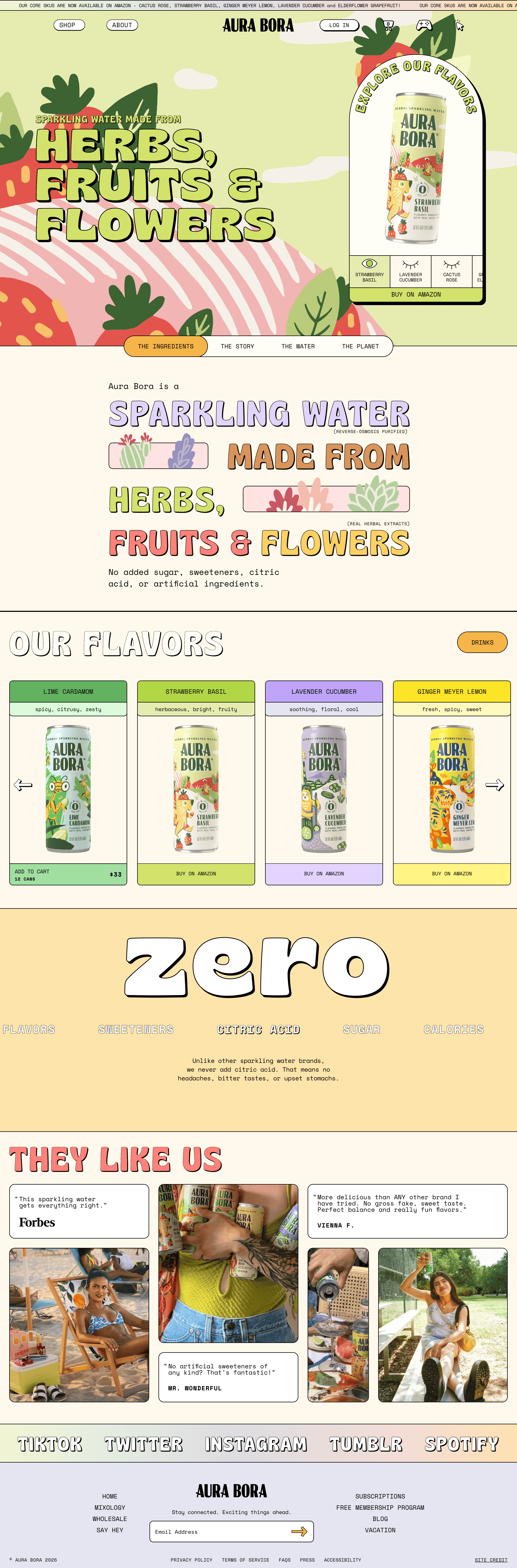

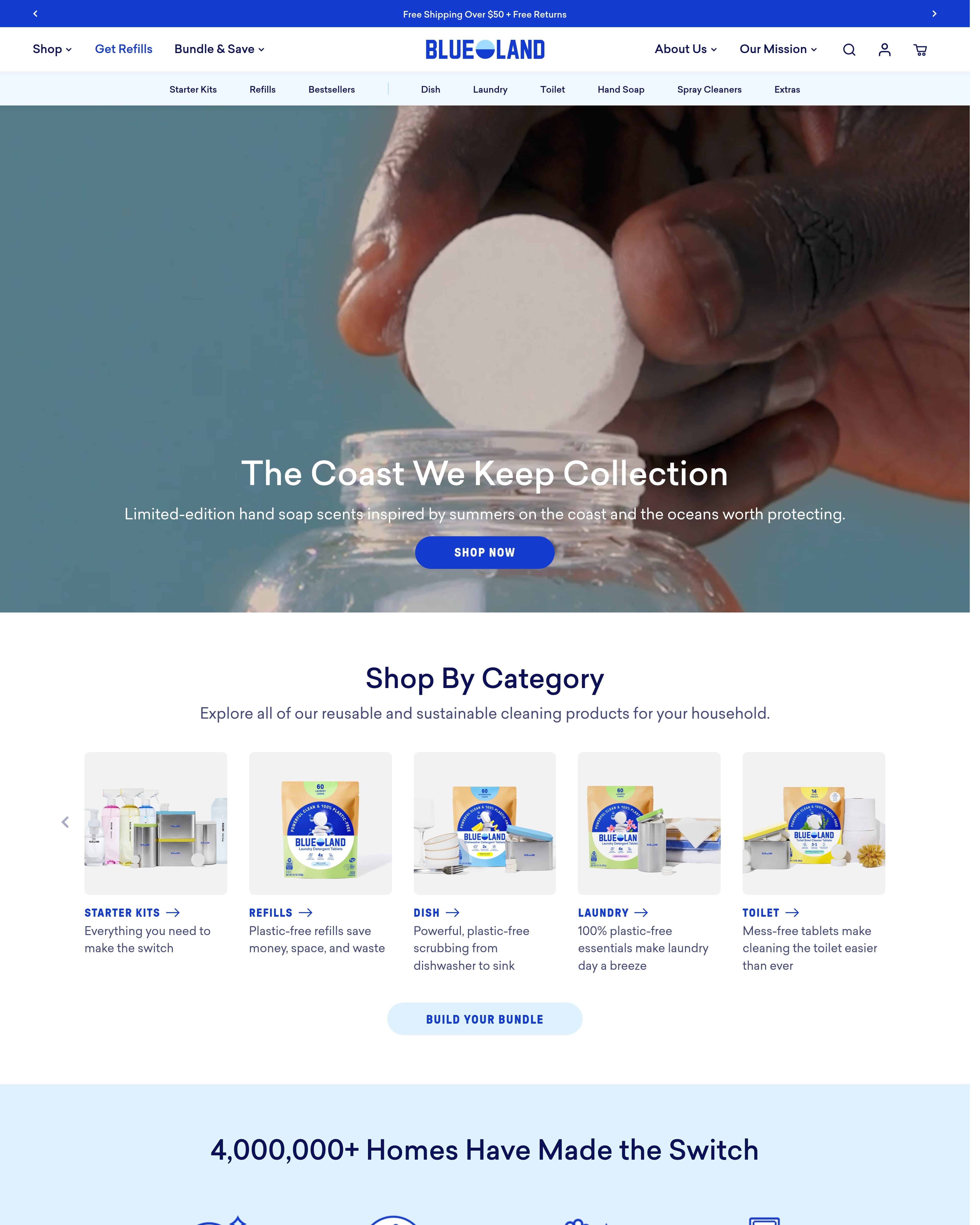
280 brands · 610 storefront stills · 747 live ads, all one click from your board.
















Start from the catalog, not a blank page
“I'd have to screenshot everything myself.”
Open the picker, choose a brand, and its homepage, story and product pages are there as desktop and mobile stills, with the ads it is running underneath. One click places any of them on the board.


Pages
Ads


Crop to the part you care about
“I only want the nav. Or the product gallery. Or the footer.”
Select a still, press C, and drag the edge to the section you are studying. Crops are never destructive: reset one and the whole page comes back.
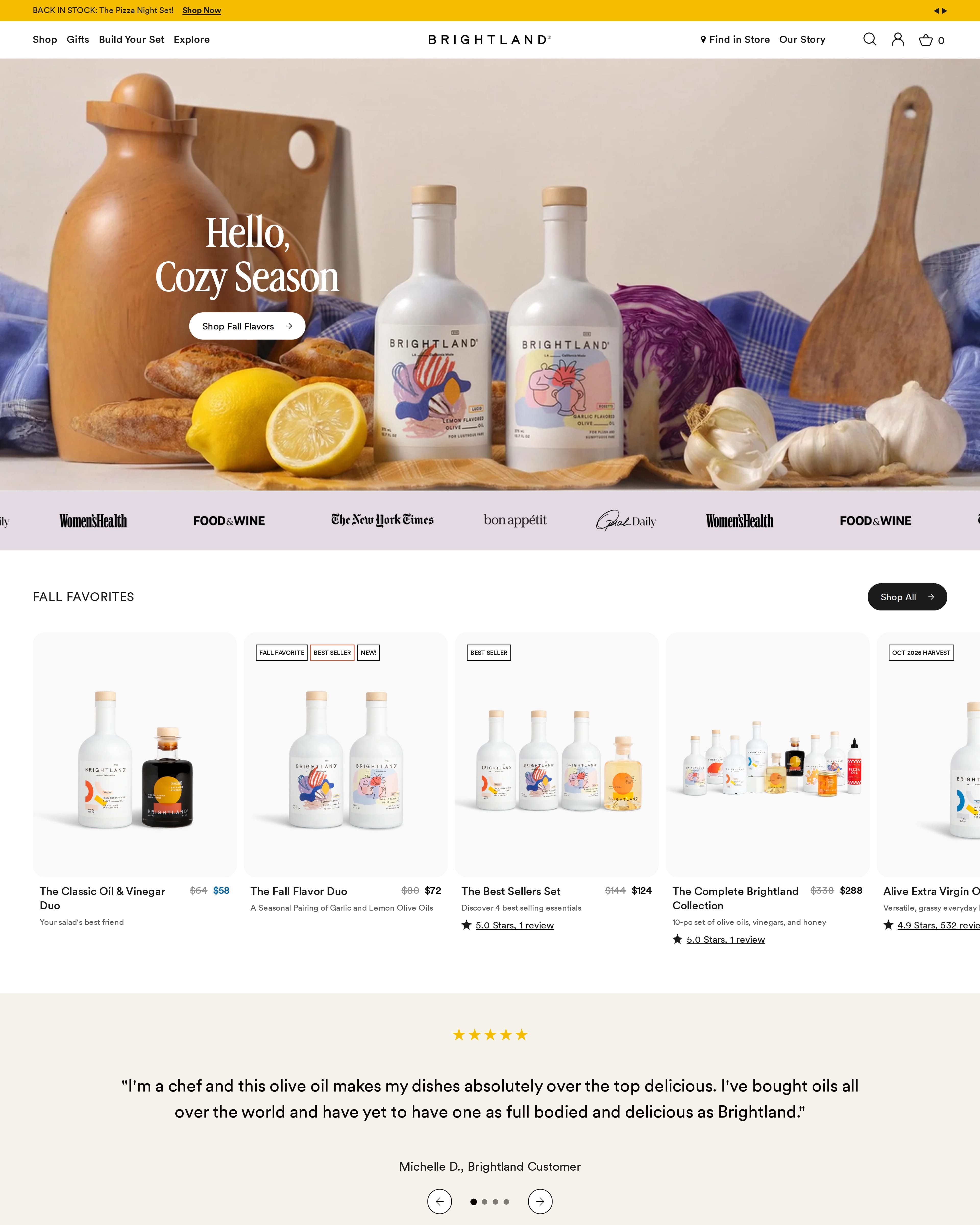

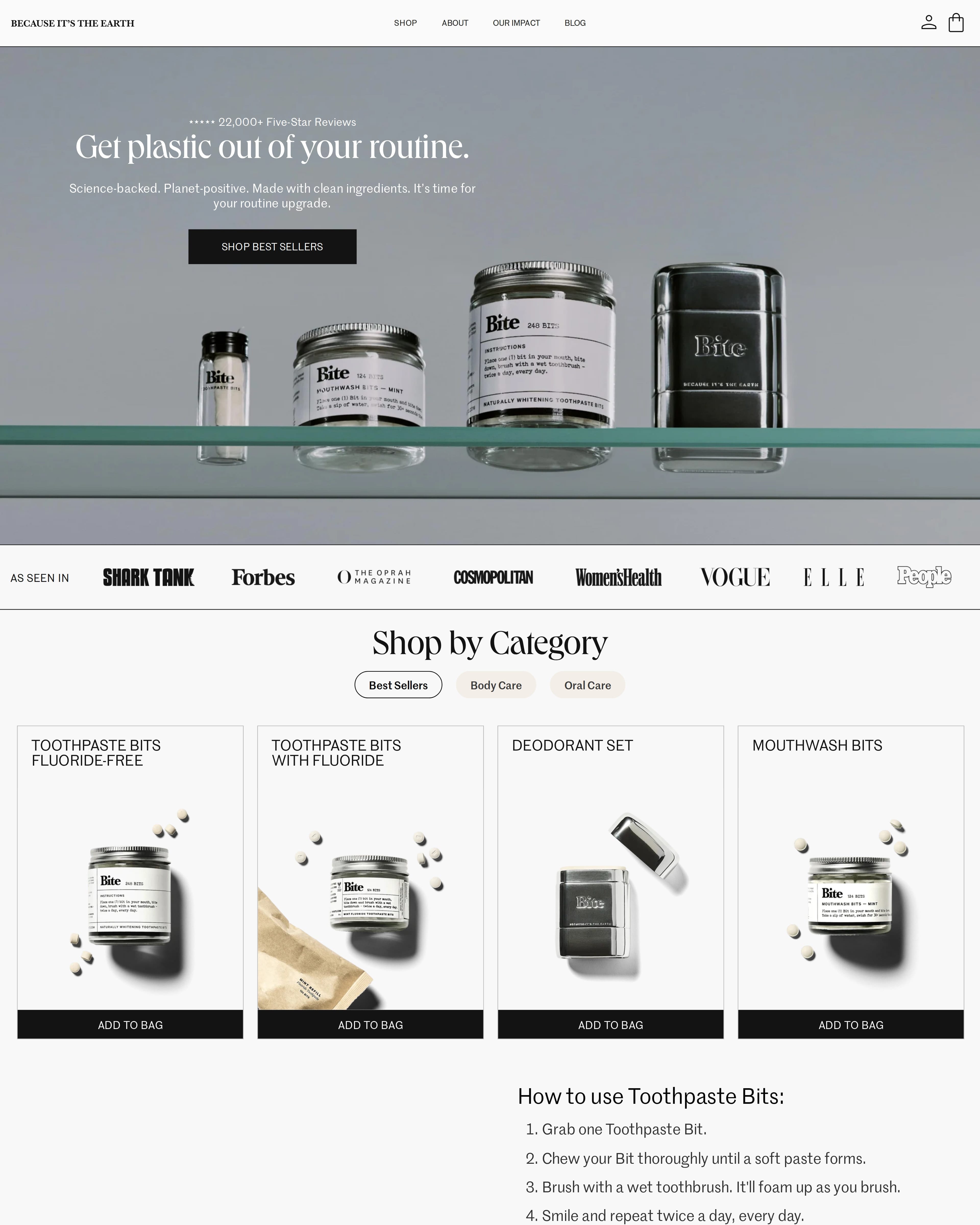

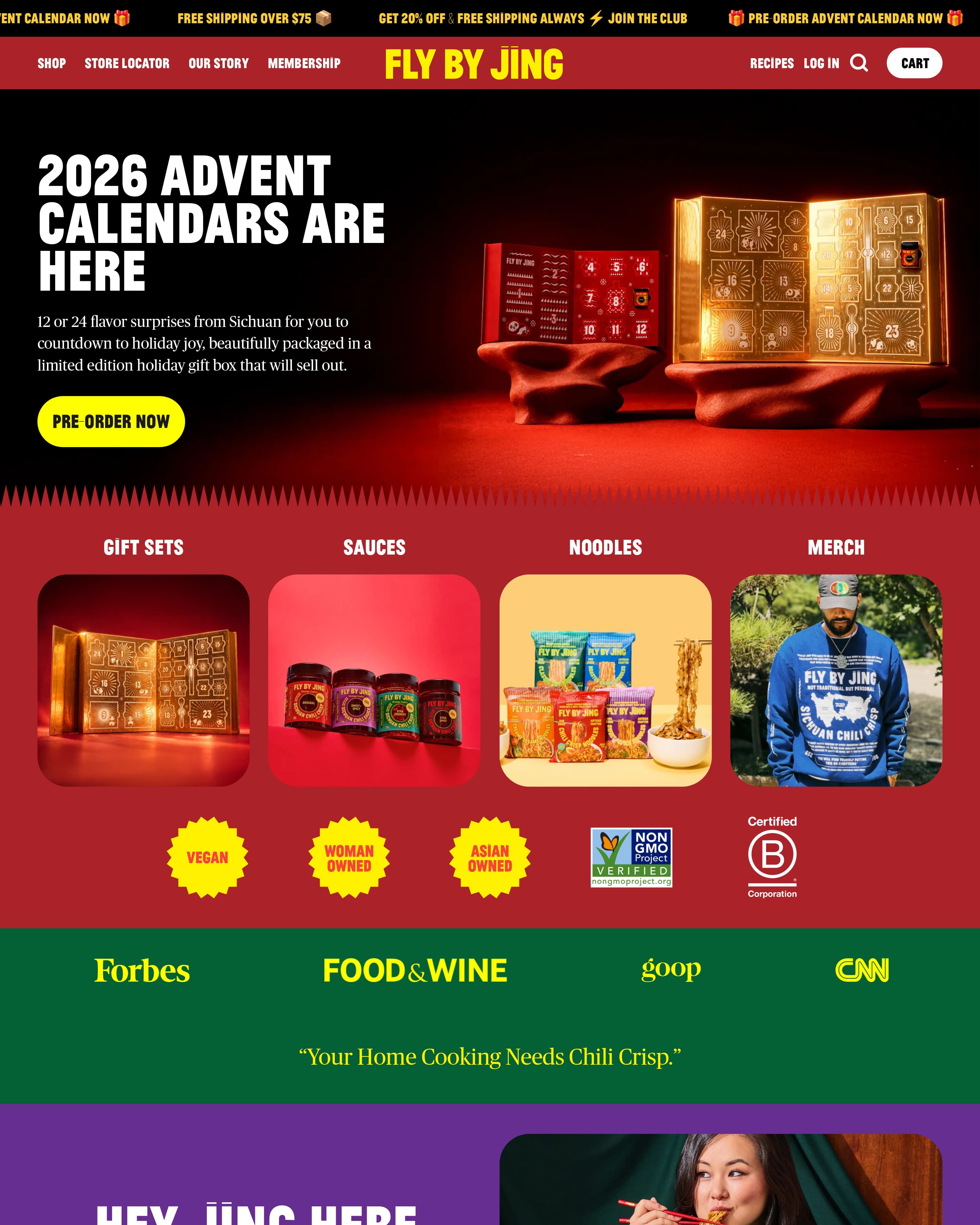
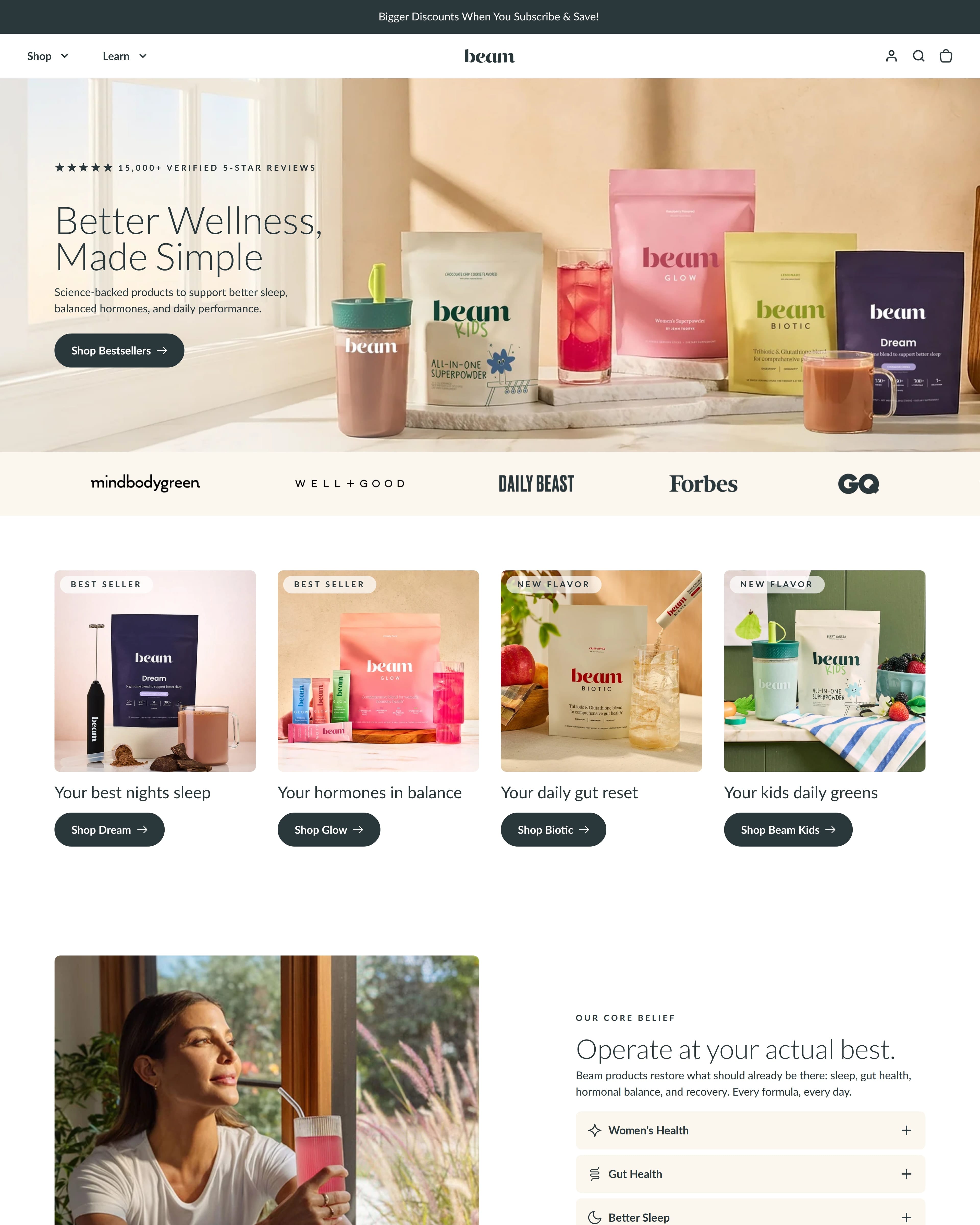

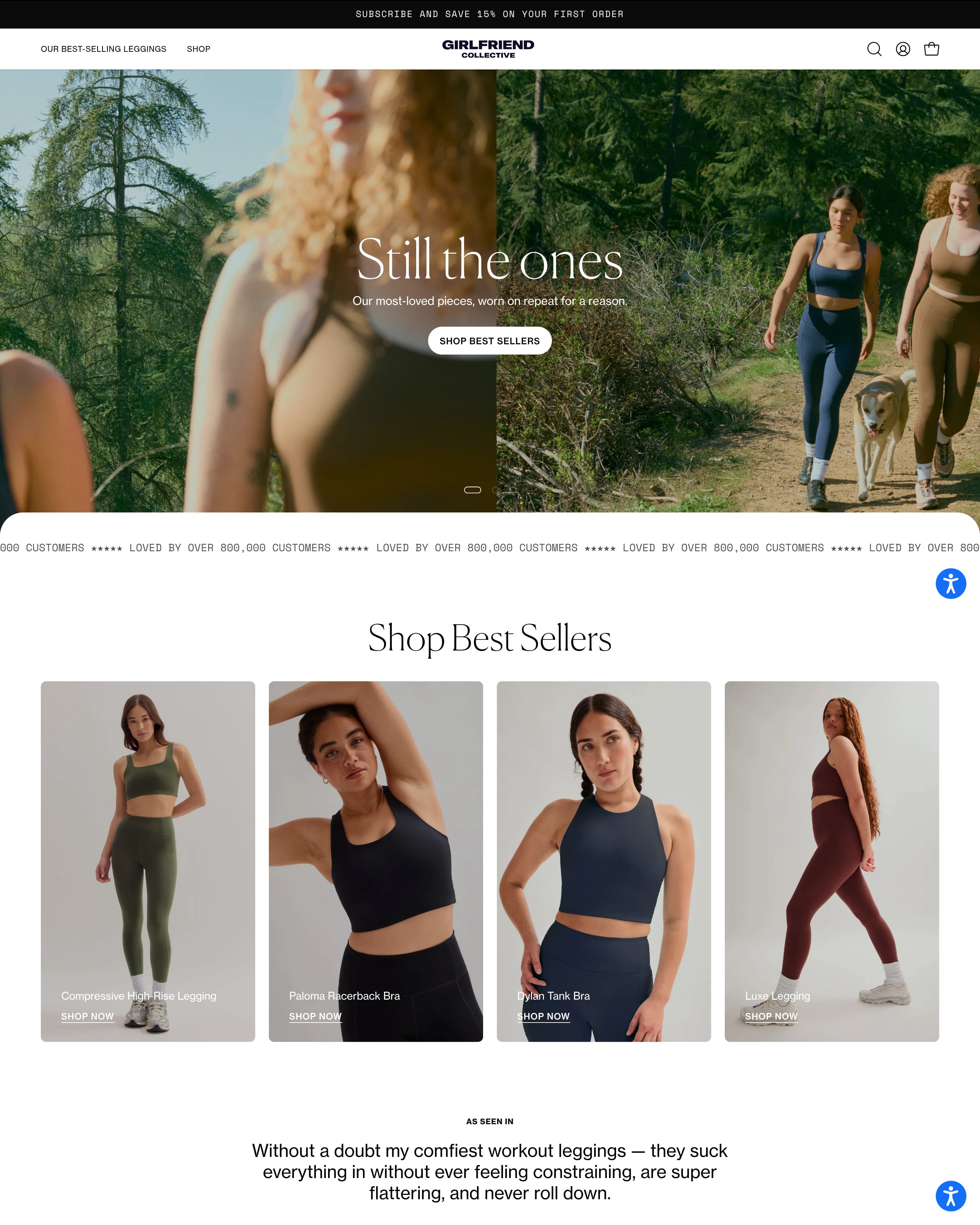
Your first canvas takes a minute.
New canvas opens the board straight away, with the whole catalog already in the picker. Name it later.
- 280brands610stills747live ads
Everything, one click away
The same catalog you browse, sitting in the picker.
- VHCT⌘Z
Keyboard-first
Select, pan, crop, type. ⌘Z as far back as you like.
- nav only
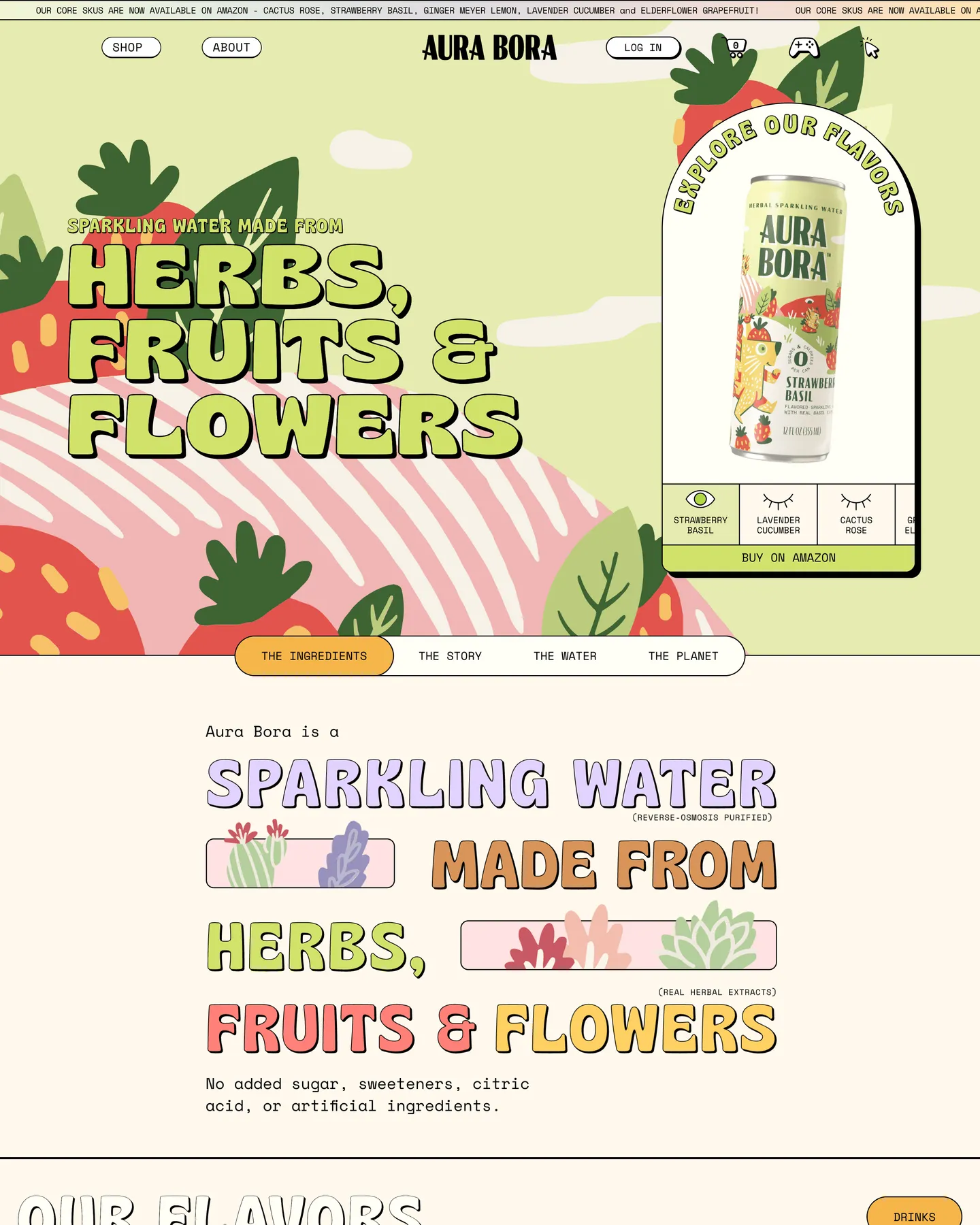
Crops never destroy
Reset a crop and the whole page comes back.